Small IT teams
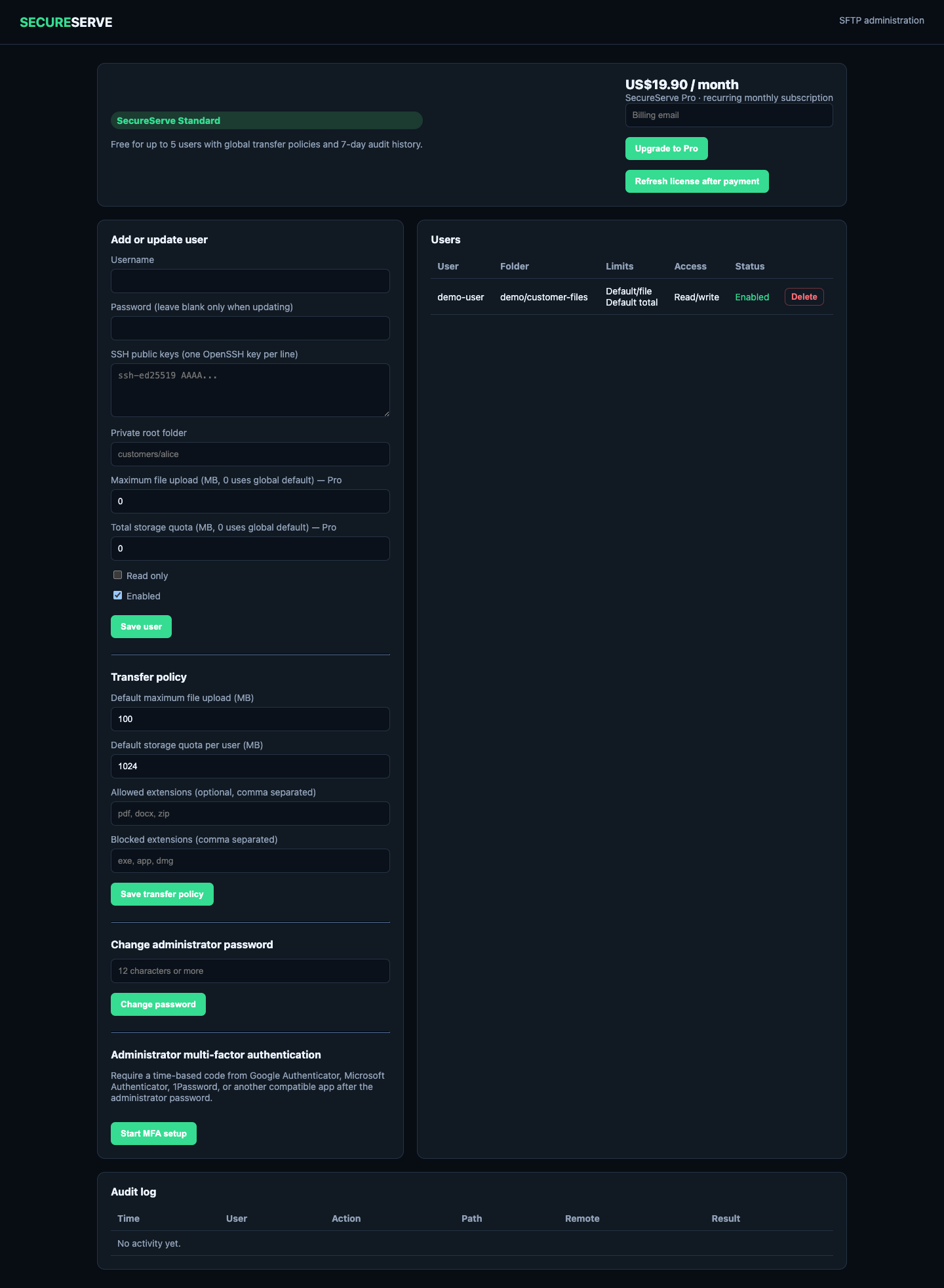
Manage SFTP users, access policies, quotas, and audit history from one administrator dashboard.
SELF-HOSTED FILE TRANSFER FOR SMALL IT TEAMS
SecureServe gives IT administrators and small teams one self-hosted service for SFTP accounts, controlled share links, upload requests, permissions, audit logs, and encrypted backups.
WHO IT IS FOR
Manage SFTP users, access policies, quotas, and audit history from one administrator dashboard.
Run file-transfer workflows on infrastructure you control, with builds for common server architectures.
Send controlled download links or collect large files through upload requests instead of email attachments.
Create restricted download links and external upload requests with administrator-defined limits.
Files, configuration, audit data, and backups remain on systems operated by your organization.
Start with the free Standard plan and move to Pro when user, policy, audit, or backup needs grow.
ACTUAL PRODUCT SCREENS
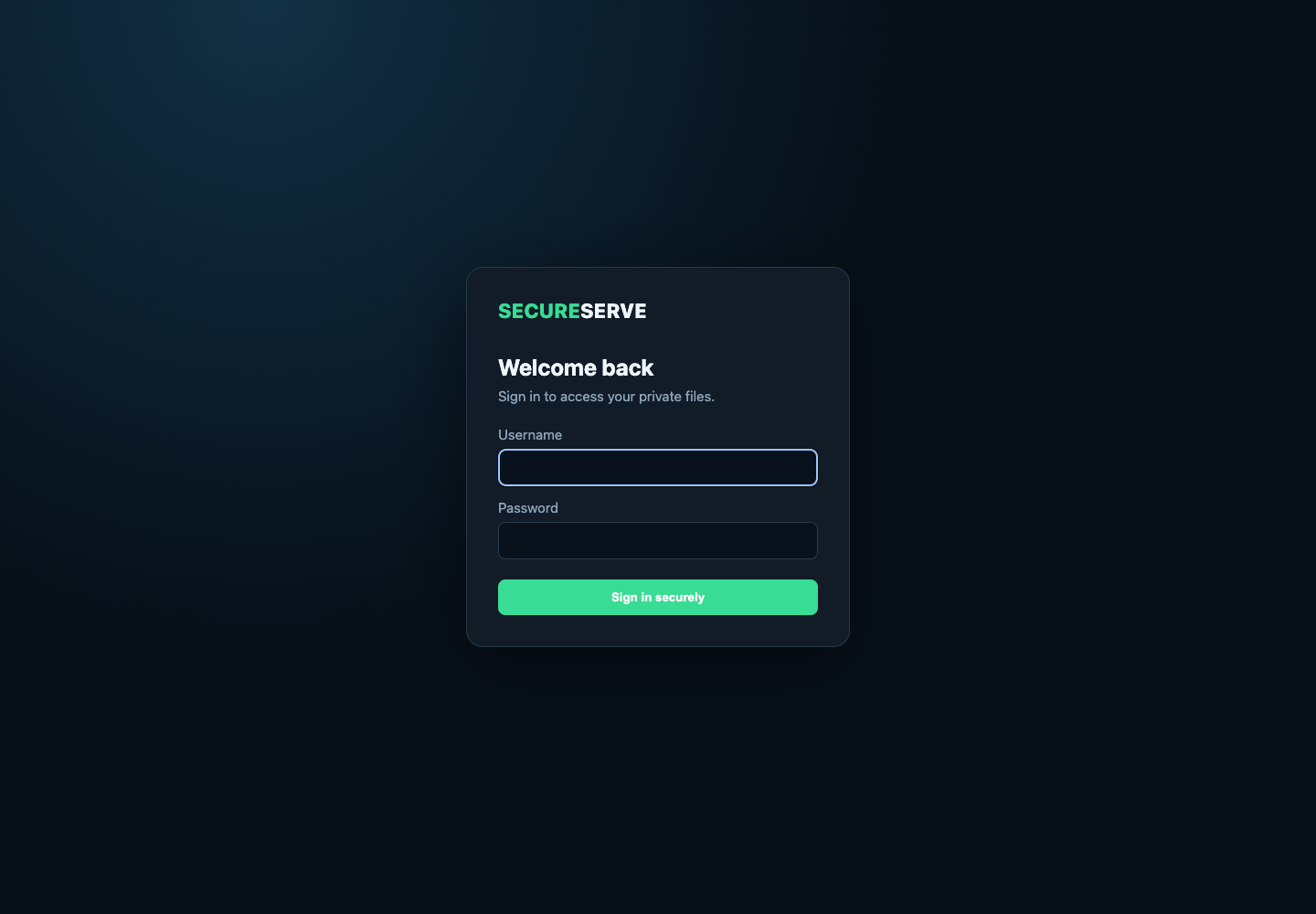
Captured from an isolated SecureServe 0.1.1 demo instance using only fictional data.
SIMPLE PRICING
Standard
US$0 forever
Pro
US$19.90 / month
Start the subscription securely from SecureServe Admin → Upgrade to Pro. Your installation ID is linked automatically.
Recurring monthly subscription. Cancel through the Stripe billing portal or by contacting support.
EARLY ACCESS 0.1.1
SecureServe currently prioritizes Apple-notarized macOS packages and Linux server archives. These early-access builds should be used in controlled environments.
Recommended · Apple notarized
Signed installer for Apple silicon and Intel Macs. Notarized by Apple and accepted by Gatekeeper.
Download PKGRecommended · Server archive
For most 64-bit Intel and AMD Linux servers.
Download ZIPRecommended · Server archive
For 64-bit ARM Linux servers.
Download ZIPCompare the SHA-256 checksum before running a downloaded package.
ChecksumsUnsigned preview
Windows is not a primary release platform yet. This functionally tested installer is not Authenticode-signed and Windows may display a security warning.
Download preview EXESecureServe 0.1.1 has signed and notarized macOS packaging, verified Linux archives, automated security checks, and tested backup recovery. It is still early-access software and is not a substitute for an independent security review. Begin in a controlled environment and keep tested backups.